Today I'll be covering the basics of adding a bot to your server. I will also briefly cover some good sites you can find bots on.
Now that you have a server set up, you're wanting to add some spice to the community. The question is, how do you do this? You can only do so much with text and voice channels. So what other options are there? Well, let me introduce you to the wonderful world of discord bots. There is an incredibly large variety of bots that you can easily implement on your server. They can do anything from managing your channels to adding fun games your server members can play. There are even bots that add points or money systems. The options are endless.
For this article, I'll be covering the basics of adding a bot to your server. I will also briefly cover some good sites you can find bots on. Bots are made by the discord community, so they all function differently and are managed differently. Here, I'll just use a basic, popular bot to give you a general understanding of how bots function on discord.
Where To Find Discord Bots
There are many resources out there that provide decent lists of discord bots. Just doing a quick Google search of 'Discord bots' will bring you to many good sources. Below, I'll list a few sites I've used so you can have a good list of reputable sources. I've found good bots that I've personally used on these sites, so hopefully, you'll be able to utilize them the same.
1. discord.bots.gg
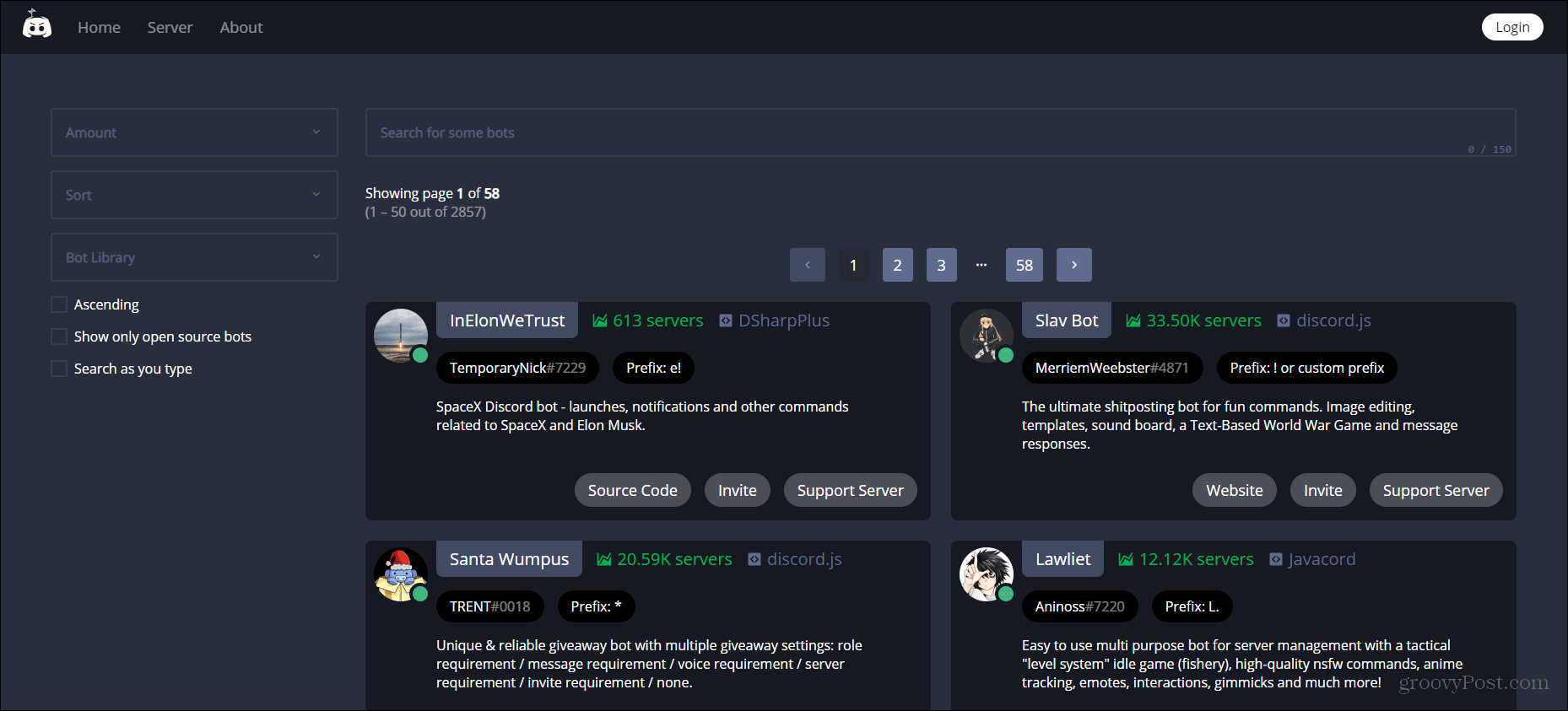
This site has probably the largest library and cleanest look I've seen. I would recommend using bots that have quite a bit of following, as these are community-backed and development of these bots is encouraged. This site provides a very long, helpful list of bots. You can filter these bots for specific features you're looking for as well.
2. top.gg
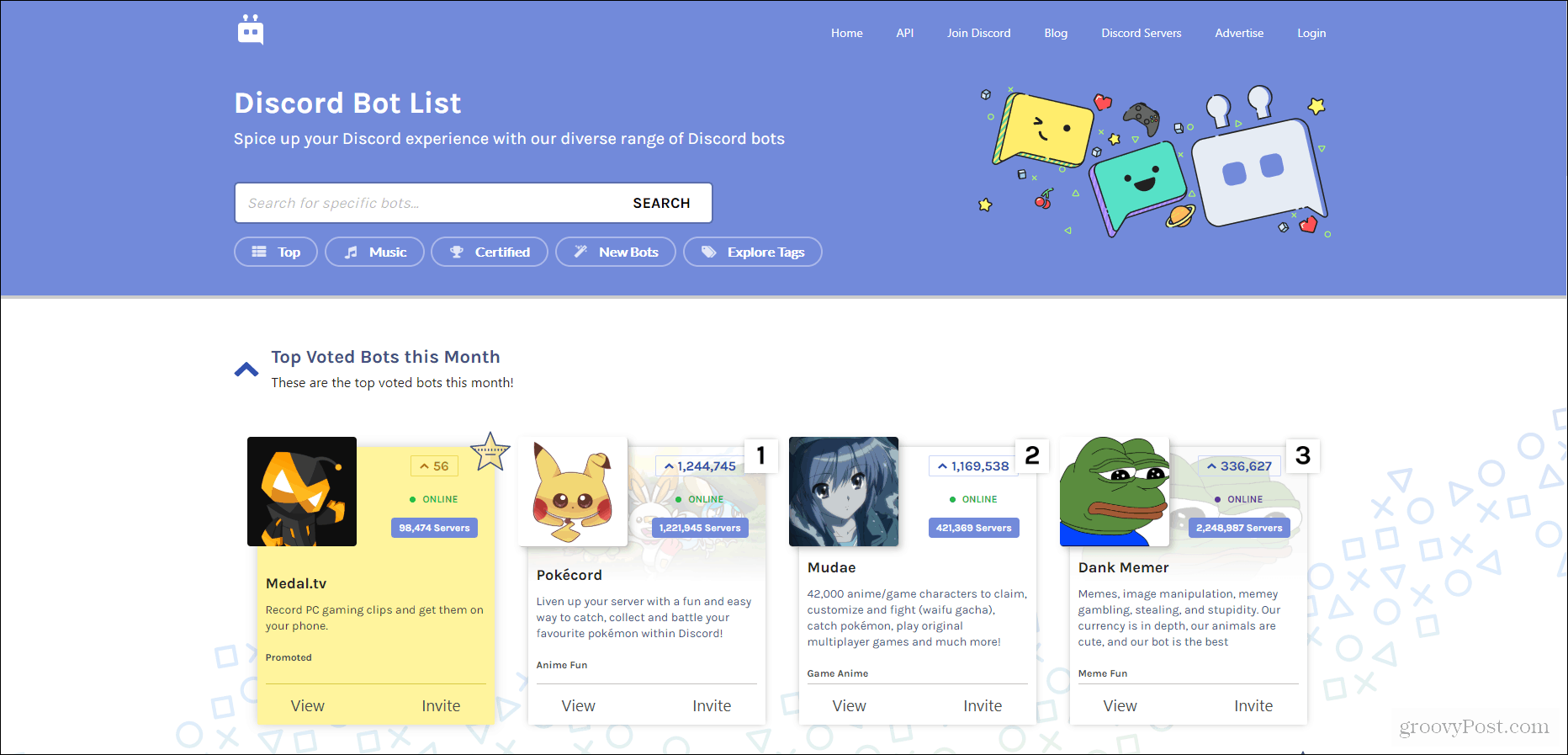
This is a site I've used many times. It's the first thing that comes up when you search 'discord bots' and it provides many amazing bots for you to use. The only issue here is some of the bots don't always work incredibly well and are hard to navigate. It takes trial and error when finding a good bot, and there are many different types of bots you can add to your server.
3. bots.ondiscord.xyz
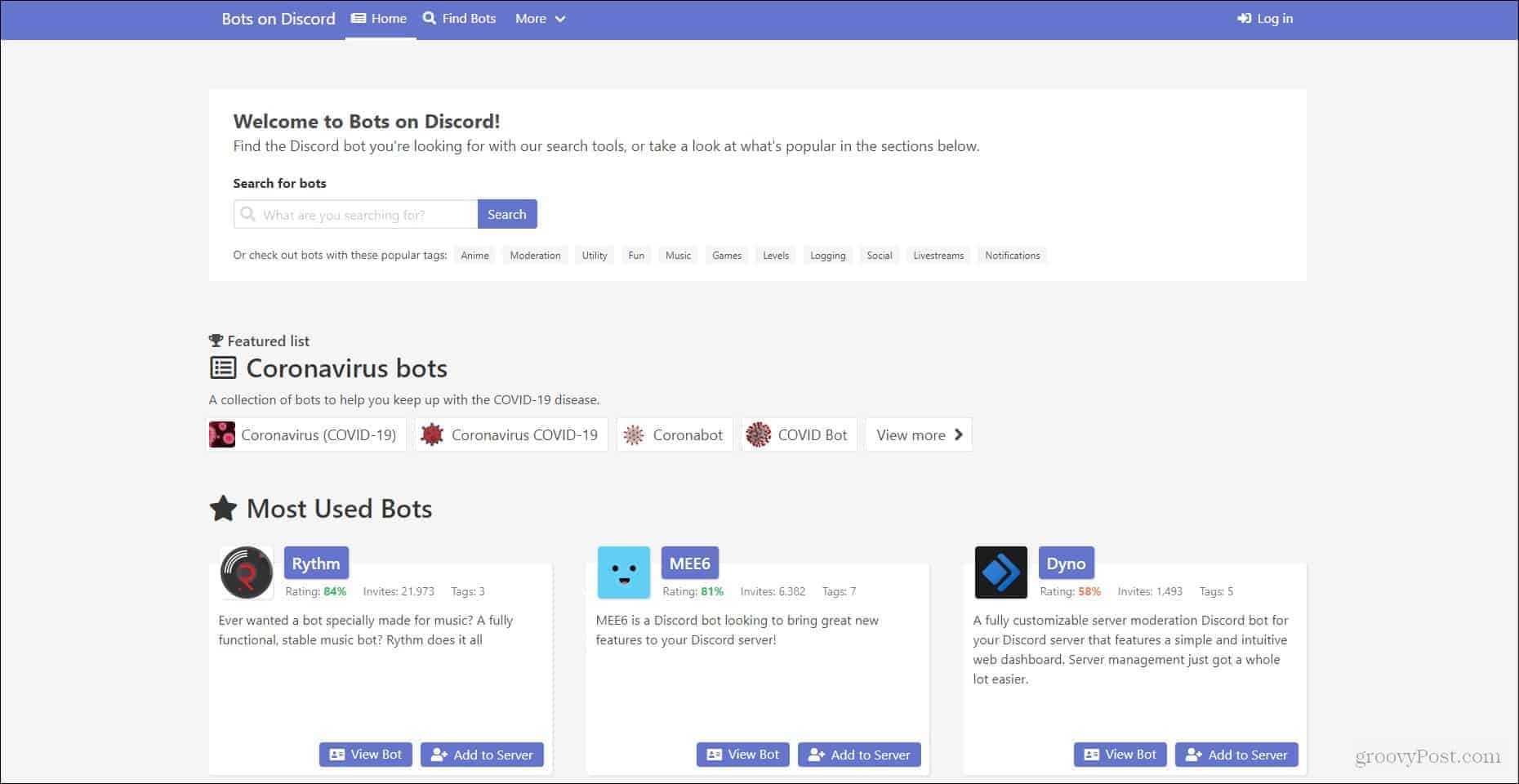
This site is very helpful as it provides probably the most popular bots. Many of the ones listed on this site I have used in the past, and enjoy quite a bit. The first bots listed on the site are probably the most reliable and easy to use bots I've encountered, which is really helpful when you're new to using bots.
Adding Discord Bots To Your Server
Now to get into actually adding these bots to your server. This process is pretty simple, however, the tricky part comes when you're attempting to set up the bot. We will cover that in the future. Here, I just want to make sure you know how to get the bot into your server so you can begin using it and getting comfortable with it. It's a good idea to make a test server to get a feel for how bots function. You can also look at the command list of the bot and make sure these commands work in your text channels.
1. Find Your Discord Bot
The first step is locating the bot you want to add to your server. For this example, I'll be using the MEE6 bot as it's a very commonly used bot and can be used for multiple purposes. The bot you want to add depends entirely on the features you're looking for, so make sure whatever bot you're using is able to do what you intend it to do.
There should be an option on the bot's info card to view a full description of its features. I'd recommend clicking that and going over the page to get a feel for what your bot will be able to do.
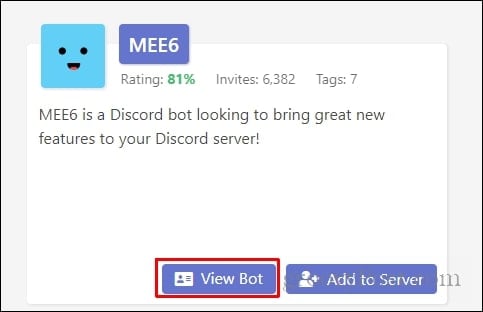
clicking view bot should bring you to the info page where more resources will be available on the functionality of the bot
2. Invite Your Discord Bot
Now that you've chosen the bot of your liking, it's time to add it to your server. You'll want to click the button that says Add to Server.

Once you've selectedAdd to Server a discord page should pop up giving you the ability to choose which server to add the bot to. You'll want to click this drop-down menu and select the appropriate server, then clickcontinue.
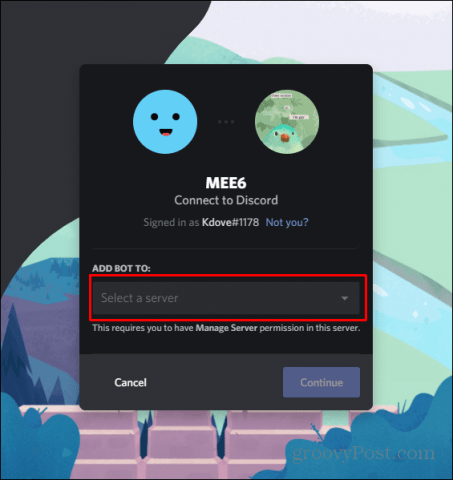
3. Grant Authorization to Your Discord Bot
The next page will ask you to authorize the bot to have certain permissions that allow it to function. You'll just want to selectAuthorizebelow this list to continue.

you can always change the permissions for the bot. It's the best idea to initially give the bot full perms to help it function properly
After you've clickedAuthorize,a page will ask you to check that you're not a robot, and then you're set! The bot is now in your server and ready to be utilized.

In the future, I will cover how to set up the bot and how bot commands work. For now, try to experiment with the bot and get comfortable using it. Most info pages about bots will provide you with a command list.
If not, just doing the helpcommand for a bot in one of your server's text channels should work in providing you a list of commands the bot offers. For now, enjoy experimenting with discord bots!

How to Add a Bot to a Discord Channel
Source: https://www.groovypost.com/howto/add-bots-to-your-discord-server/
Comments
Post a Comment